HTML ELEMENTS
Nicholas Porter
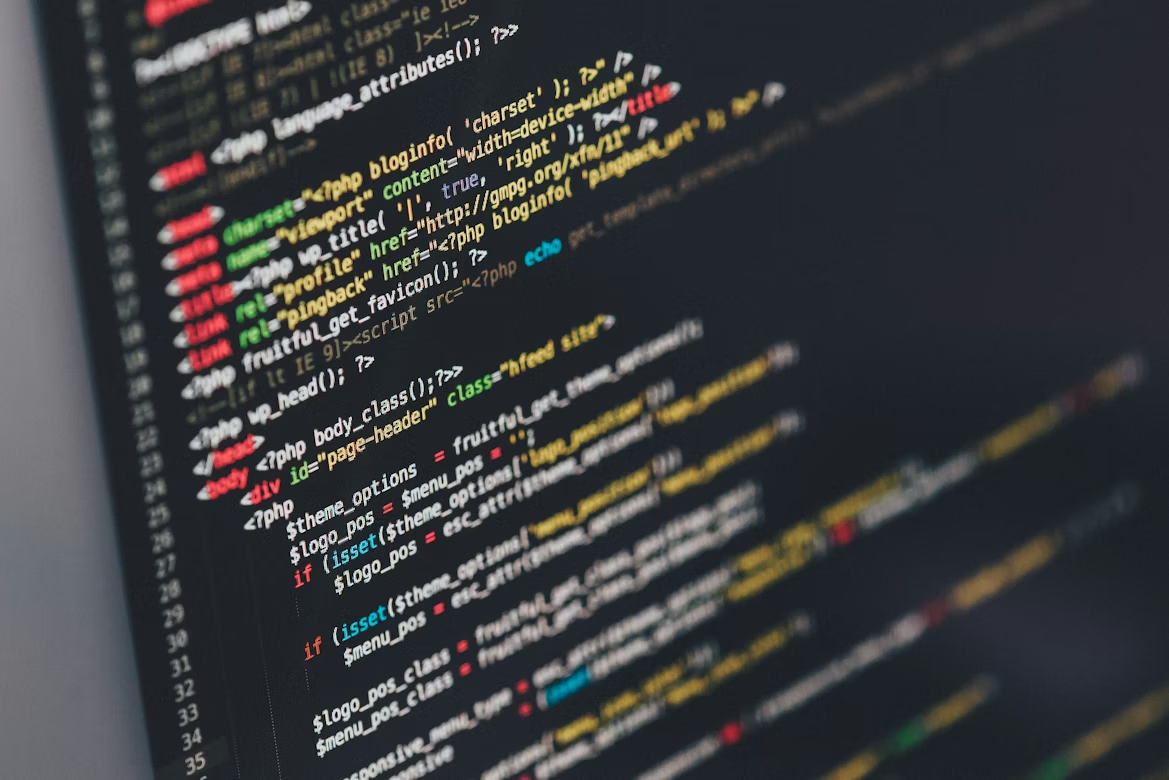
- <!DOCTYPE html>
- Defines the document type (in this case, HTML5). Required at the first line of the code.
- <html>
- Defines the root of the HTML document.
- <head>
- Contains important metadata of the document, including title and description.
- <meta>
- Defines metadata of the document.
- <title>
- Defines a title for the page, which shows up on the page's tab.
- <body>
- Contains most of the document's primary information, including most text on the page.
- <header>
- Contains usually important text and/or image information, typically comes first on a page.
- <footer>
- Contains information that will likely appear at the bottom of the page, such as copyright info.
- <nav>
- Contains links for navigating to other pages.
- <link>
- Links the document to an external resource, typically used for linking to CSS style sheets.
- <main>
- Contains the majority of the page's content.
- <span>
- Defines a section in the document. Specifically, span is inline and typically used for smaller amounts of content.
- <section>
- Defines a section in the document. Specifically, section is block-level and used to group larger content logically and are more accessible than divs.
- <div>
- Defines a section in the document. Specifically, div is block-level and used to group larger chunks of content.
- <article>
- Defines a self-contained section in the document.
- <aside>
- Specifies content aside from the page's content.
- <script>
- Defines a script, typically JavaScript.
- <figure>
- Defines self-contained content, usually an image.
- <img>
- Creates an image to be viewed on the page.
- <p>
- Creates a paragraph that includes text.
- <h1>
- Creates a text heading. There are six variants, h1 being largest and/or most important, and h6 being least.
- <em>
- Emphasizes text, often rendered by italics.
- <strong>
- Emphasizes text, often rendered by bold text.
- <blockquote>
- Specifies a quote from a separate source.
- <br>
- Creates a single line break.
- <hr>
- Creates a horizontal line that stretches across the page. In HTML5, it is more commonly used to denote a change in theme or content on a given page.
- <ul>
- Creates an unordered list, i.e a bulleted list.
- <ol>
- Creates an ordered list, i.e a numbered list.
- <li>
- Defines list items in a given <ul> or <ol> tag.
- <a>
- Defines a hyperlink typically leading to another page.